


Best AI Tools for an Inclusive Classroom: Create Lessons for Different Levels in Minutes
The Challenge of Teaching Different Levels
Every teacher knows that every student is different. In any school today, a teacher might have students who are very advanced, others who are still learning the language, and some with learning difficulties like dyslexia. To help everyone, teachers need to make different versions of their lessons and materials. In the past, this took a very long time.
Today, Artificial Intelligence (AI) is a big help. It does not replace the teacher, but it works like a helpful assistant. It can quickly change a text or a lesson to fit the needs of each student. When used correctly, AI helps all students learn better, no matter their level.
Top AI Tools for Helping Every Student
We looked at the best AI platforms that help teachers create lessons for all levels. Here are the top choices:
| AI Tool | Best Feature | How it Helps in Class | Where to Use It |
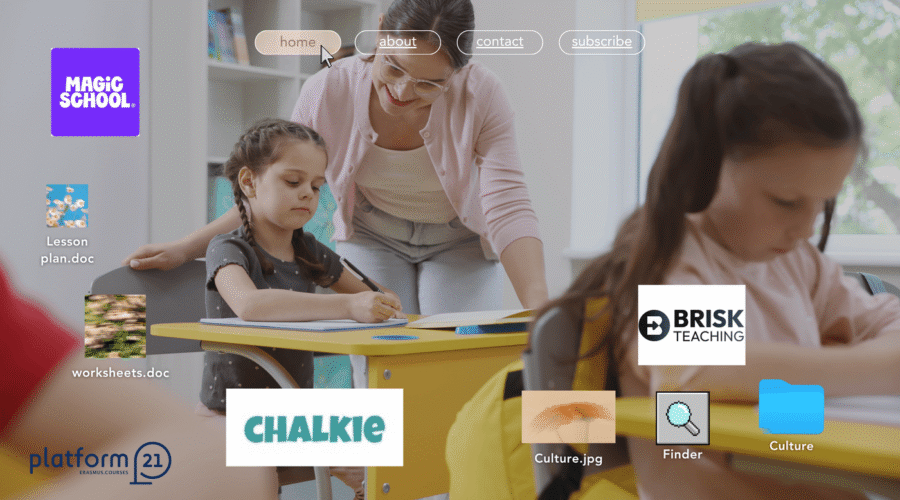
| Chalkie.ai | Makes lesson slides automatically | Creates slides with different levels of difficulty for your lesson. | On the web; easy to download as a presentation. |
| Diffit | Changes reading levels | Changes any article, video, or link into a text that is easy or hard enough for each student. | Works with Google Docs, Slides, and PDF. |
| MagicSchool.ai | All-in-one teacher assistant | Helps write IEP goals (Special Education plans) and creates simple or advanced tasks. | Works with Google Classroom and Canvas. |
| Brisk Teaching | Browser extension for fast work | Checks student writing and changes the difficulty of a text directly in your document. | A Chrome extension for Google Docs and Slides. |
A Closer Look: How These AI Tools Help
Chalkie.ai: Create Lesson Slides Fast
If you need slides for your class, Chalkie.ai is excellent. It helps you build a full lesson in just a few minutes. For students who need more visual help, Chalkie creates clear slides with extra questions and activities. This makes sure every student can follow the lesson.
Diffit: The Best for Different Reading Levels
Sometimes, giving the same text to everyone is not a good idea. Some students find it too easy, and others find it too hard. Diffit solves this problem. You can put in any text or YouTube link, and it will rewrite it at the right level for each student. It also creates vocabulary lists and questions to help students understand better.
MagicSchool.ai: Help for Special Education (SEN)
Teaching students with special needs requires extra planning. MagicSchool.ai has special parts just for this. It helps you write goals for students with ADHD or autism and gives you ideas on how to help them in class. It also has tools to translate text for students who speak other languages.
Brisk Teaching: Change Lessons While You Work
Brisk Teaching is a tool that works inside your Chrome browser. If you are working on a worksheet in Google Docs, you can use Brisk to make the text easier or harder instantly. You don’t need to copy and paste anything. It also helps you give better feedback to your students.
Learn to Use AI with Platform21
AI tools are fast, but a teacher still needs to know how to use them well. It is important to know how to ask the AI for the right thing and how to check if the results are good.
At Platform21, we offer special courses for teachers in Split, Croatia and Reykjavik, Iceland. In our courses, you will learn how to use tools like Chalkie, Diffit, and ChatGPT. You will work with teachers from all over Europe to create lessons that work for everyone.
Are you ready to make your teaching easier and help all your students? Check our next course dates and join us in Split or Reykjavik for a great Erasmus+ experience!


Content
Tags
You may also like: